Serv00 offers a free cloud hosting service for up to ten years. Out of curiosity (and the spirit of "free-riding" 😄), I decided to test its features and see how well it works.
1. Service Homepage: Serv00
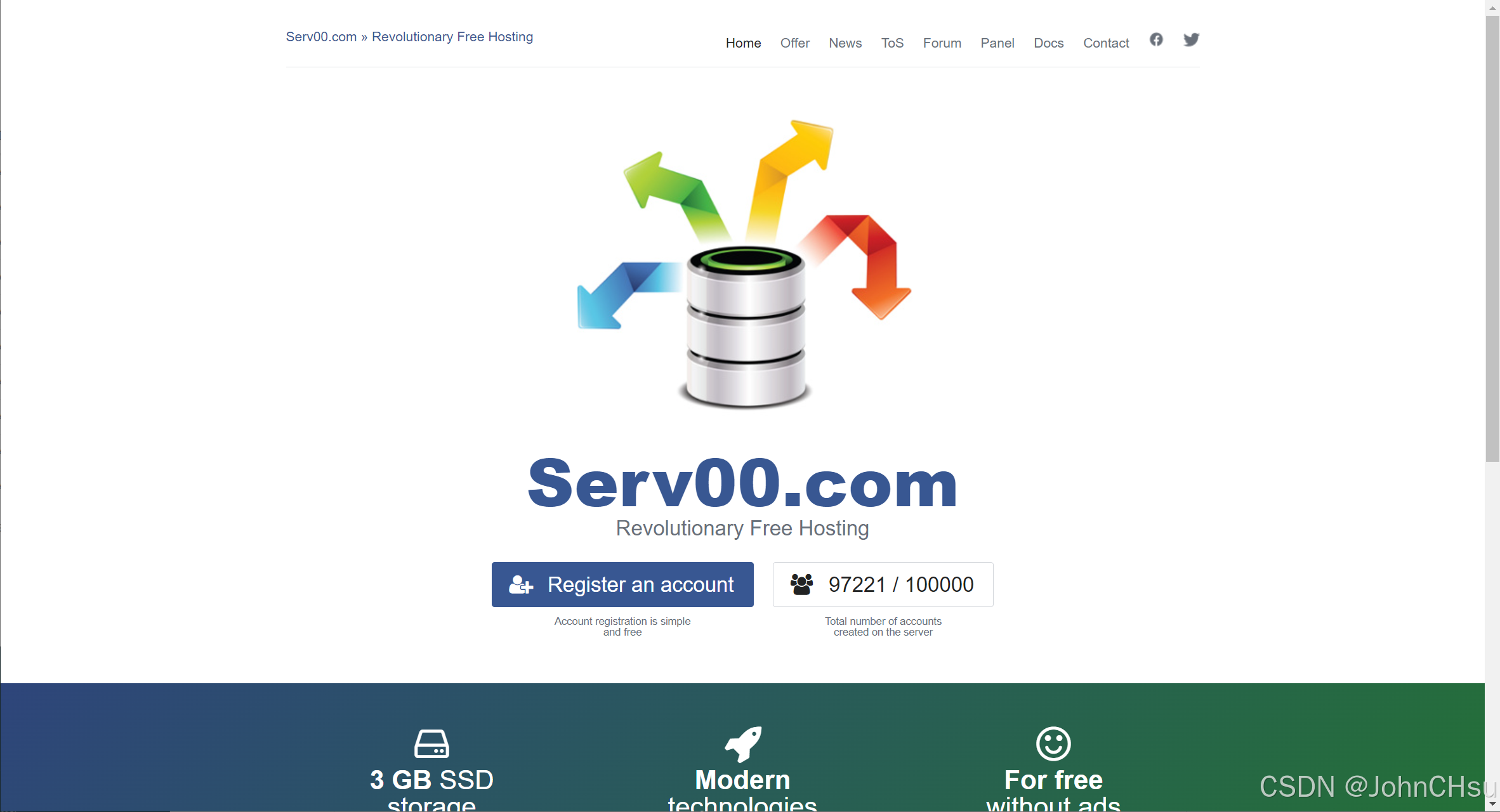
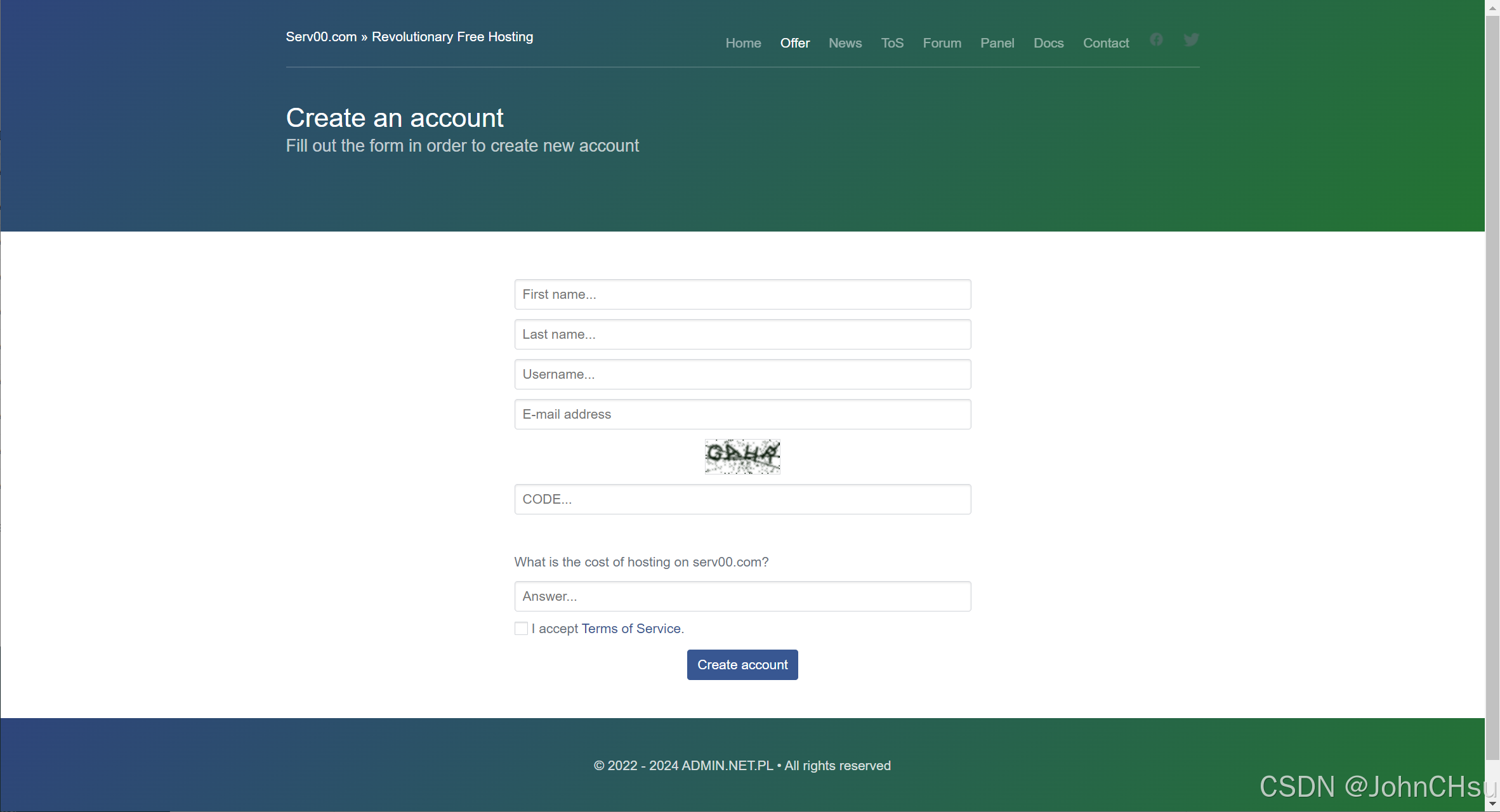
Click "Register an account" to go to the registration page:
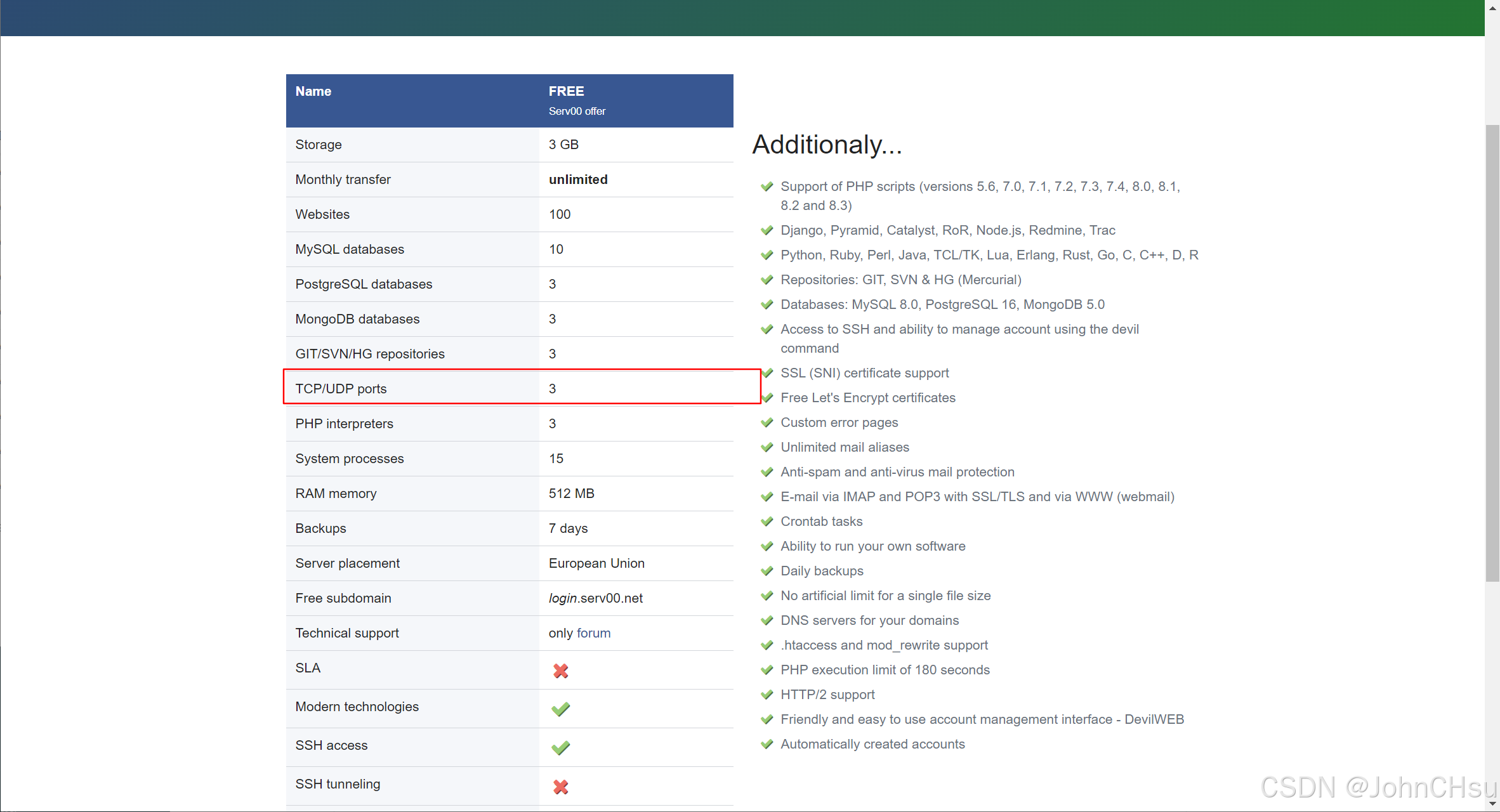
The free hosting plan includes:
- PHP support
- Databases
- Git repositories
- 3 open TCP/UDP ports
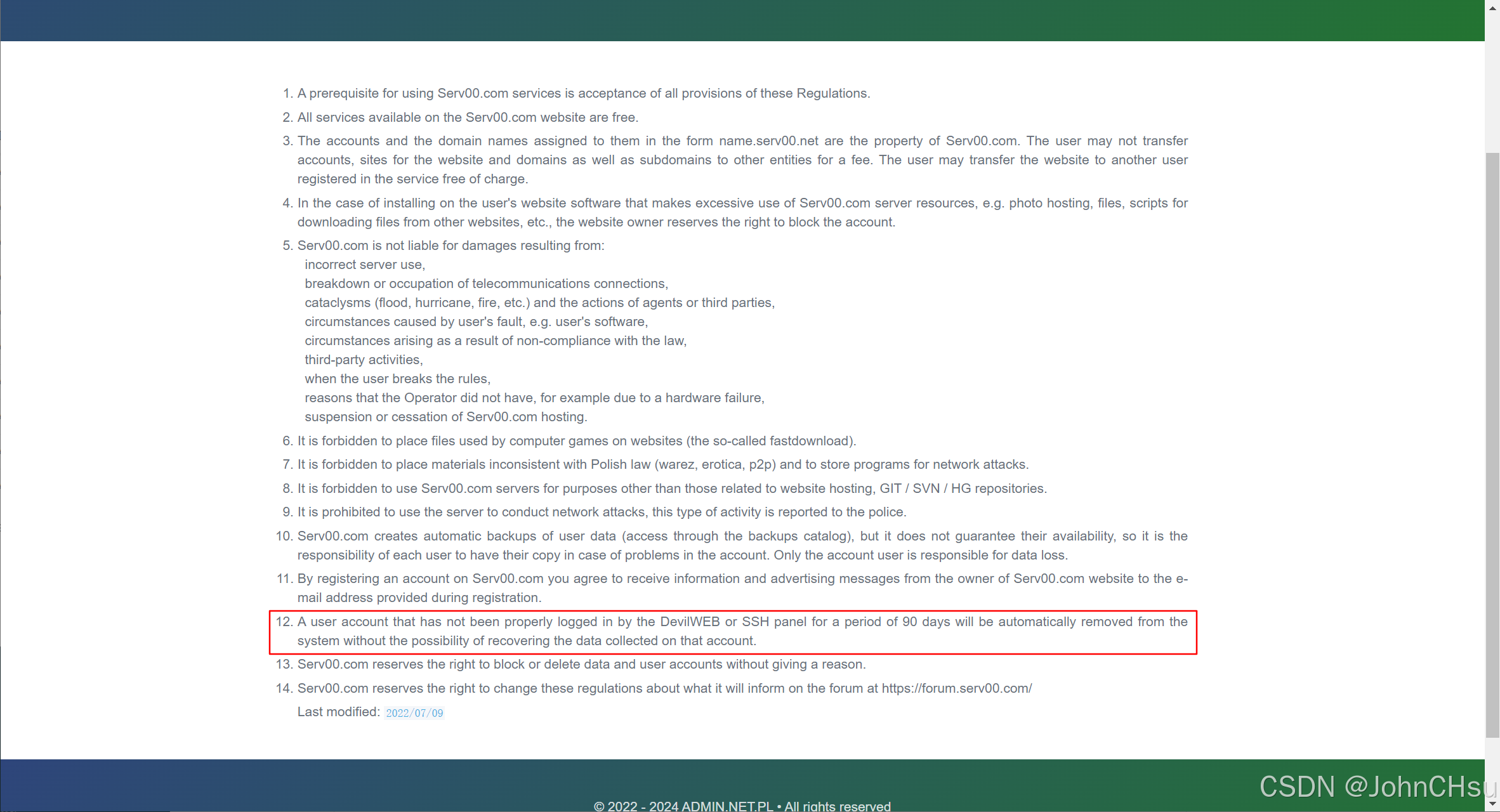
⚠️ Important: According to their terms, you must log in via DevilWEB or SSH at least once every 90 days, otherwise your account will be automatically deleted.
2. Keeping the Account Active: Automate Login via Cron Jobs
To avoid manual logins, we can use DevilWEB’s Cron jobs feature to schedule automatic SSH logins.
1. Create an Auto-Login Script via SSH
Log in to your Serv00 account via SSH and create the script:
cat > auto_renew.sh << EOF
#!/bin/bash
sshpass -p 'your_password' ssh -o StrictHostKeyChecking=no -o UserKnownHostsFile=/dev/null -tt your_username@your_server_address exit &
EOF
Make it executable:
chmod +x auto_renew.shThen, in DevilWEB, go to the Cron jobs tab → click "Add cron job":
- Specify time:
Monthly(or any interval ≤ 90 days) - Form type:
Advanced - Command:
/home/your_username/auto_renew.sh >/dev/null 2>&1
Replace
your_usernamewith your actual Serv00 username.
2. Test the Script
Run it manually to verify:
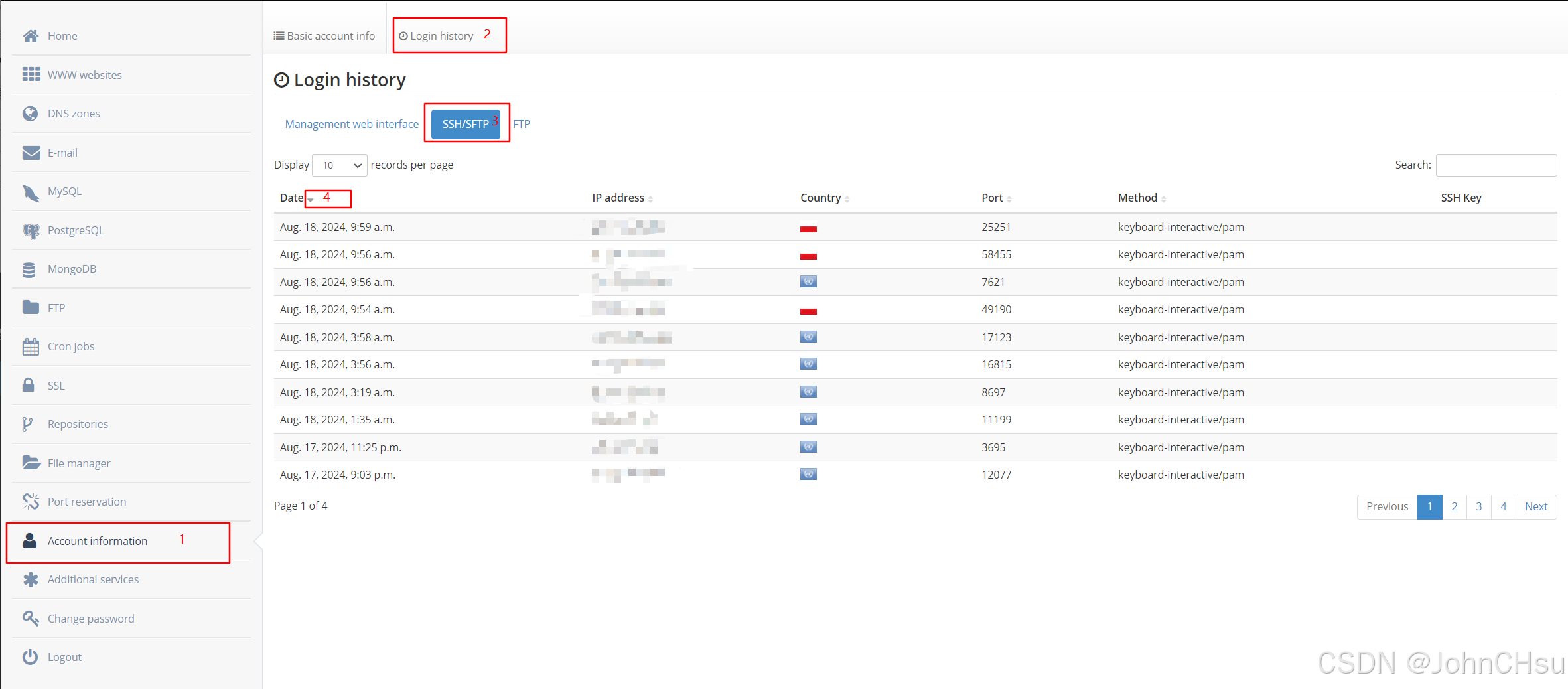
/home/your_username/auto_renew.sh >/dev/null 2>&1Check the execution log in DevilWEB:
Postscript
After a few days, I noticed that DevilWEB’s cron jobs occasionally get cleared—likely due to system maintenance or policy enforcement. To ensure reliability, I set up an external scheduler (in this case, QingLong Panel; other task schedulers work similarly).
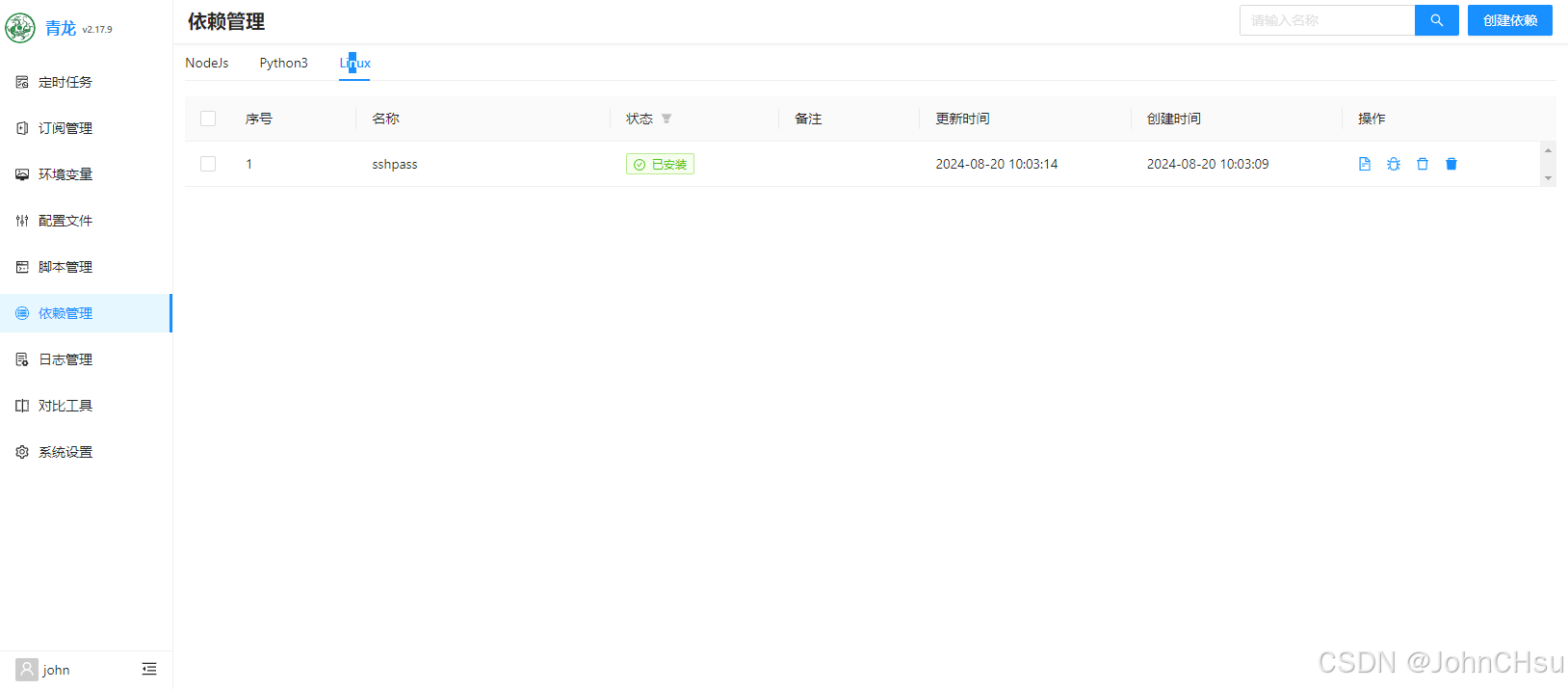
1. Install Dependency: sshpass
2. Add External Keep-Alive Script
#!/bin/bash

HOST=""       # Serv00 SSH hostname (e.g., 0.serv00.com)
USERNAME=""   # Your Serv00 username
PASSWORD=""   # Your Serv00 password

sshpass -p "${PASSWORD}" ssh -o StrictHostKeyChecking=no -o UserKnownHostsFile=/dev/null -tt "${USERNAME}@${HOST}" << EOF
exit
EOF

echo "finished"
This script logs in once and exits—enough to reset the 90-day activity timer.
3. Schedule the Script Externally
Set up a recurring task (e.g., every 60 days) in QingLong Panel or your preferred scheduler:
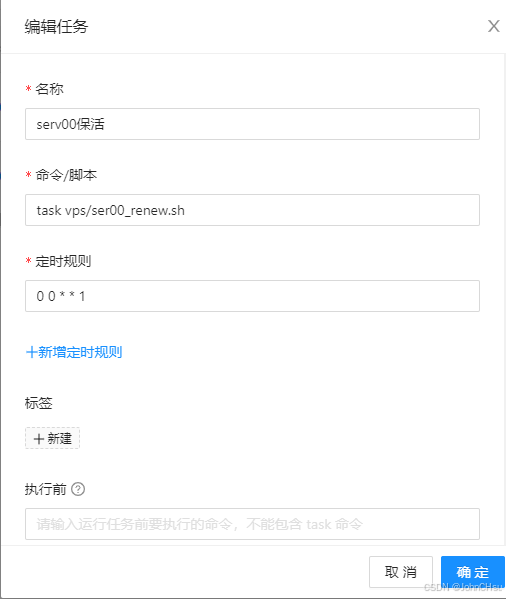
This ensures your Serv00 account stays active even if internal cron jobs disappear.

john
The person is so lazy that he left nothing.
Article Comments(0)