Its performance outperforms that of 235B, enabling single-card privatized deployment of OpenClaw
Complete Deployment Guide for a Local AI Agent Platform Based on Docker + llama.cppThis solution has been validated on a single GPU with 22GB VRAM (e.g., RTX 2080 Ti), achieving an optimal balance between performance and functionality. It is well-suited for private AI agent scenarios requiring long context, low concurrency, and high accuracy.
It took 2 hours and 58 minutes to deploy the ideal AI programming assistant, Claude Code, and configure the local self-hosted model
Deploy **Claude Code** (by Anthropic) and connect it to a self-hosted large language model (e.g., Qwen, Llama series, etc.), **completely bypassing Anthropic's official API**, enabling secure offline/intranet development assistance.
Still programming with traditional methods? Try the free AI programming assistant, OpenCode, with fully localized configuration
OpenCode is the ideal open-source alternative to Claude Code—completely free, supports local models, and eliminates reliance on costly cloud APIs. Developers can finally escape exorbitant token fees while maintaining full data privacy and enjoying a powerful, flexible AI coding experience.
Latest Articles
Here is the most recently published article.

Still programming with traditional methods? Try the free AI programming assistant, OpenCode, with fully localized configuration
AIOriginalRecommendOpenCode is the ideal open-source alternative to Claude Code—completely free, supports local models, and eliminates reliance on costly cloud APIs. Developers can finally escape exorbitant token fees while maintaining full data privacy and enjoying a powerful, flexible AI coding experience. Table of Contents Introduction LLM Configuration Docker Deployment: Web UI / CLI Service Terminal CLI & VS Code Plugin Integration Comparison: Web UI vs Terminal CLI Common Issues & Security Recommendations Summary & Best Practices Introduction ✨ Core Features of OpenCode ✅ Fully Open Source — MIT License, 109k+ GitHub Stars ✅ Zero-Cost Model Access — Official free models + support for any local or cloud LLM ✅ Fully Local Execution — Data never leaves your network; meets enterprise security & compliance requirements ✅ Modern Web UI — No command line needed; ready to use out of the box ✅ Broad Compatibility — Works with llama.cpp, Ollama, vLLM, LM Studio,…

It took 2 hours and 58 minutes to deploy the ideal AI programming assistant, Claude Code, and configure the local self-hosted model
AIOriginalRecommendDeploy Claude Code (by Anthropic) and connect it to a self-hosted large language model (e.g., Qwen, Llama series, etc.), completely bypassing Anthropic's official API, enabling secure offline/intranet development assistance. Table of Contents Preface 🔧 1. Install the Claude Code CLI ⚙️ 2. Global Configuration File Setup 💻 3. VS Code Extension Integration ⚠️ 4. Common Issues and Solutions ✅ 5. Summary and Recommendations Preface Introduction to Claude Code Claude Code is Anthropic’s intelligent programming assistant that supports code understanding, generation, debugging, and refactoring. Through its OpenAI-compatible API interface, Claude Code can seamlessly integrate with any locally hosted LLM service that supports this protocol (e.g., llama.cpp, vLLM, Ollama, etc.)—without relying on Anthropic’s official API. 📖 Official documentation: https://code.claude.com/docs Self-Hosted Large Language Models The previous article, “Outperforming 235B-parameter models: Single-GPU private deployment of OpenClaw,” described how to deploy a local LLM service using llama.cpp. This guide uses that setup as the backend…
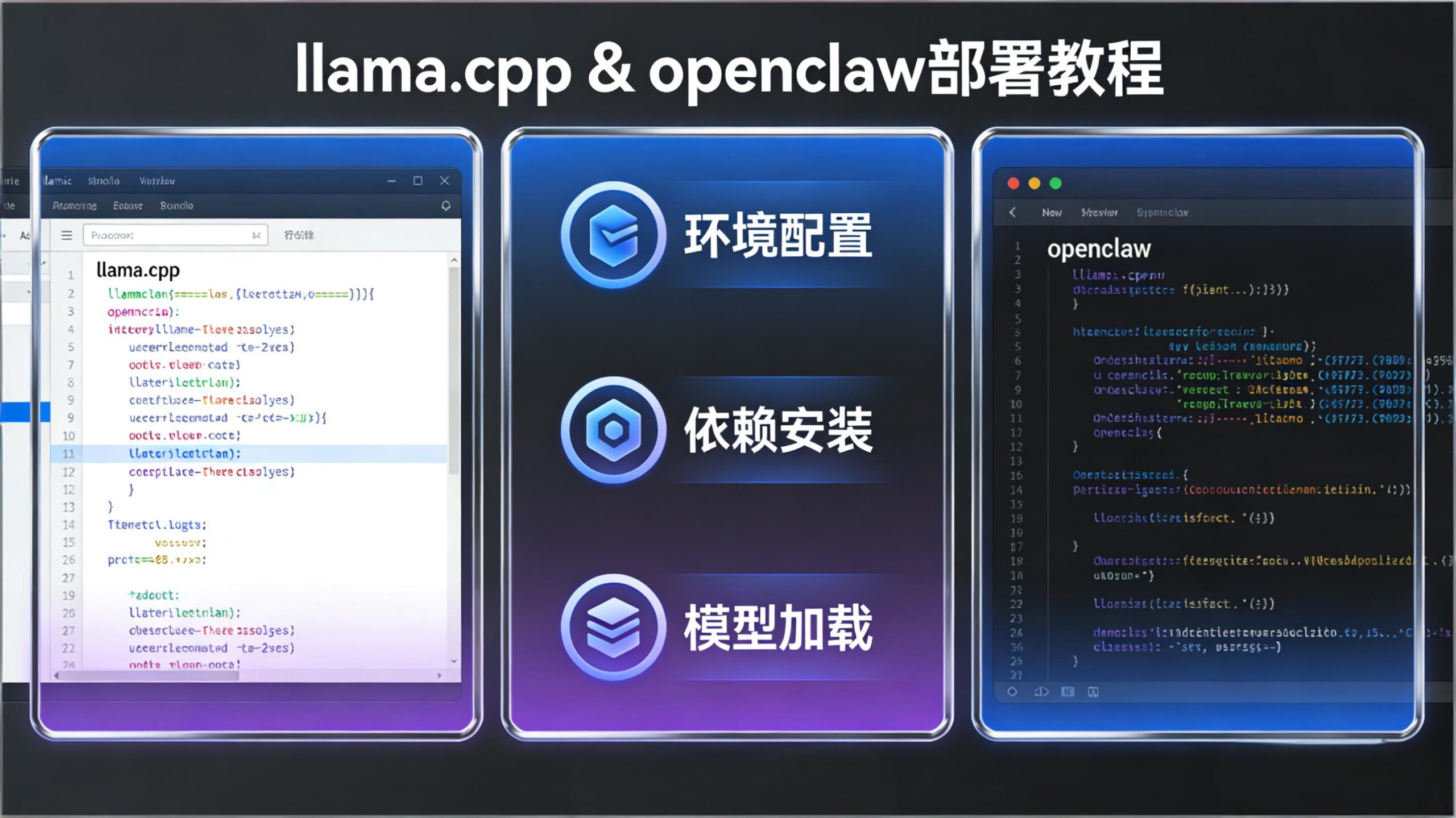
Its performance outperforms that of 235B, enabling single-card privatized deployment of OpenClaw
AIOriginalRecommendComplete Deployment Guide for a Local AI Agent Platform Based on Docker + llama.cpp This solution has been validated on a single GPU with 22GB VRAM (e.g., RTX 2080 Ti), achieving an optimal balance between performance and functionality. It is well-suited for private AI agent scenarios requiring long context, low concurrency, and high accuracy. Table of Contents Solution Overview Deploying llama.cpp Local Model Service OpenClaw Deployment Guide Common Issues and Notes Summary and Recommendations Preface Why Choose Local Deployment Over Cloud APIs? Advantage Description Data Security All project code, files, and interaction records remain within your internal network, preventing sensitive data leakage. Cost Control Eliminates expensive token-based cloud fees—especially beneficial for high-context, high-interaction platforms like OpenClaw. Full Autonomy Enables free selection of open-source models and full customization of context length, concurrency, quantization precision, and more. Why Qwen3.5 Series Models? Qwen3.5 adopts a hybrid architecture that effectively addresses inference bottlenecks in…
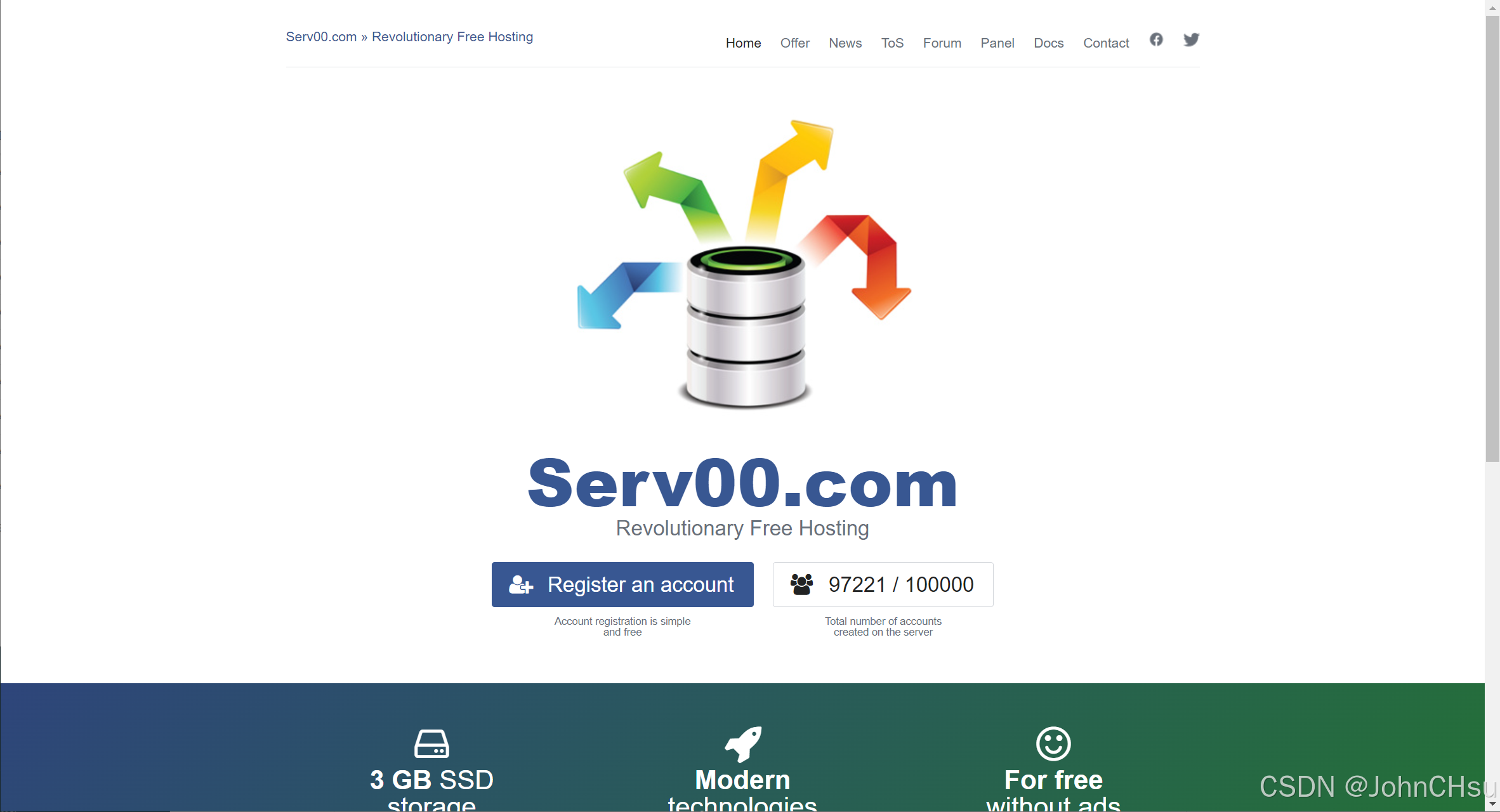
Cloud virtual machine Serv00 automatically performs login and keeps the connection alive
Cloud ServiceOriginalServ00 offers a free cloud hosting service for up to ten years. Out of curiosity (and the spirit of "free-riding" 😄), I decided to test its features and see how well it works. 1. Service Homepage: Serv00 Click "Register an account" to go to the registration page: The free hosting plan includes: PHP support Databases Git repositories 3 open TCP/UDP ports ⚠️ Important: According to their terms, you must log in via DevilWEB or SSH at least once every 90 days, otherwise your account will be automatically deleted. 2. Keeping the Account Active: Automate Login via Cron Jobs To avoid manual logins, we can use DevilWEB’s Cron jobs feature to schedule automatic SSH logins. 1. Create an Auto-Login Script via SSH Log in to your Serv00 account via SSH and create the script: cat > auto_renew.sh << EOF #!/bin/bash sshpass -p 'your_password' ssh -o StrictHostKeyChecking=no -o UserKnownHostsFile=/dev/null -tt your_username@your_server_address exit…

Set up the frps service on cloud server Serv00
Cloud ServiceOriginalServ00 provides three ports and allows software installation. It’s usable for light testing, though the latency is quite noticeable. 1. Configure DevilWEB Log in to DevilWEB using the account credentials provided in the email from Serv00. 1. Set Up Ports Click "Add Port" — you can add up to 3 ports. After adding, it should look like this: 2. Check Assigned IP Address Add an A record in your domain’s DNS settings (e.g., x.xx.com) pointing to this IP for easier access in daily use. 2. Configure the Server & Install frp Log in via SSH using the credentials from Serv00’s email. 1. Install frp Download frp from the official GitHub releases page: wget https://github.com/fatedier/frp/releases/download/v0.35.0/frp_0.35.0_freebsd_amd64.tar.gz tar -zxvf frp_0.35.0_freebsd_amd64.tar.gz && mv frp_0.35.0_freebsd_amd64 frp && chmod 777 frp This creates a frp folder in your current directory. 2. Configure frps.ini Enter the frp directory and create/edit frps.ini: [common] bind_port = A # Replace…
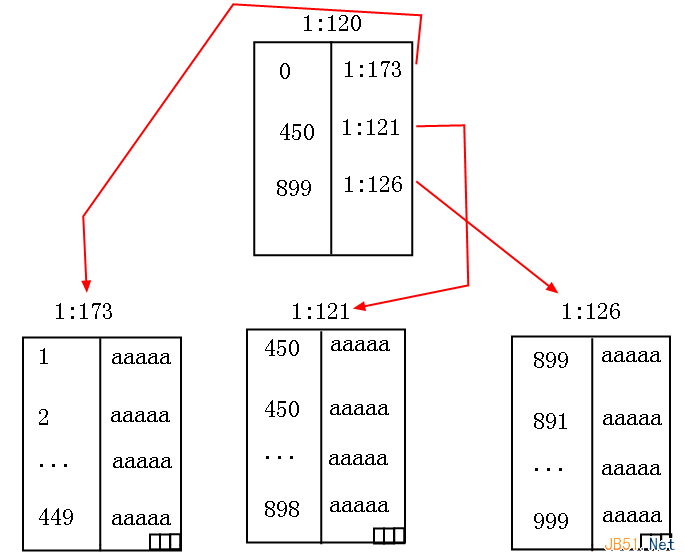
Comprehend clustered indexes within SQL Server
DatabaseThis article primarily explains clustered indexes in SQL Server, covering their purpose and internal working mechanism. Readers who need a deeper understanding can use this as a reference. When it comes to clustered indexes, I assume every developer has heard of them. But like many “code monkeys” (myself included), some of us resort to rote memorization: “A table can have only one clustered index,” or analogies like “it’s like a book’s table of contents.” But here’s the problem—we’re not studying literature! We don’t need to memorize blindly. What we truly want is to see the real, tangible structure with our own eyes. We love clustered indexes because they transform an unordered heap table into an ordered structure using a B-tree. This reduces search complexity from O(N) to O(logₘN), dramatically lowering both logical reads and physical reads. I. Observations 1. Without Any Index As usual, let’s start with an example. Suppose…